
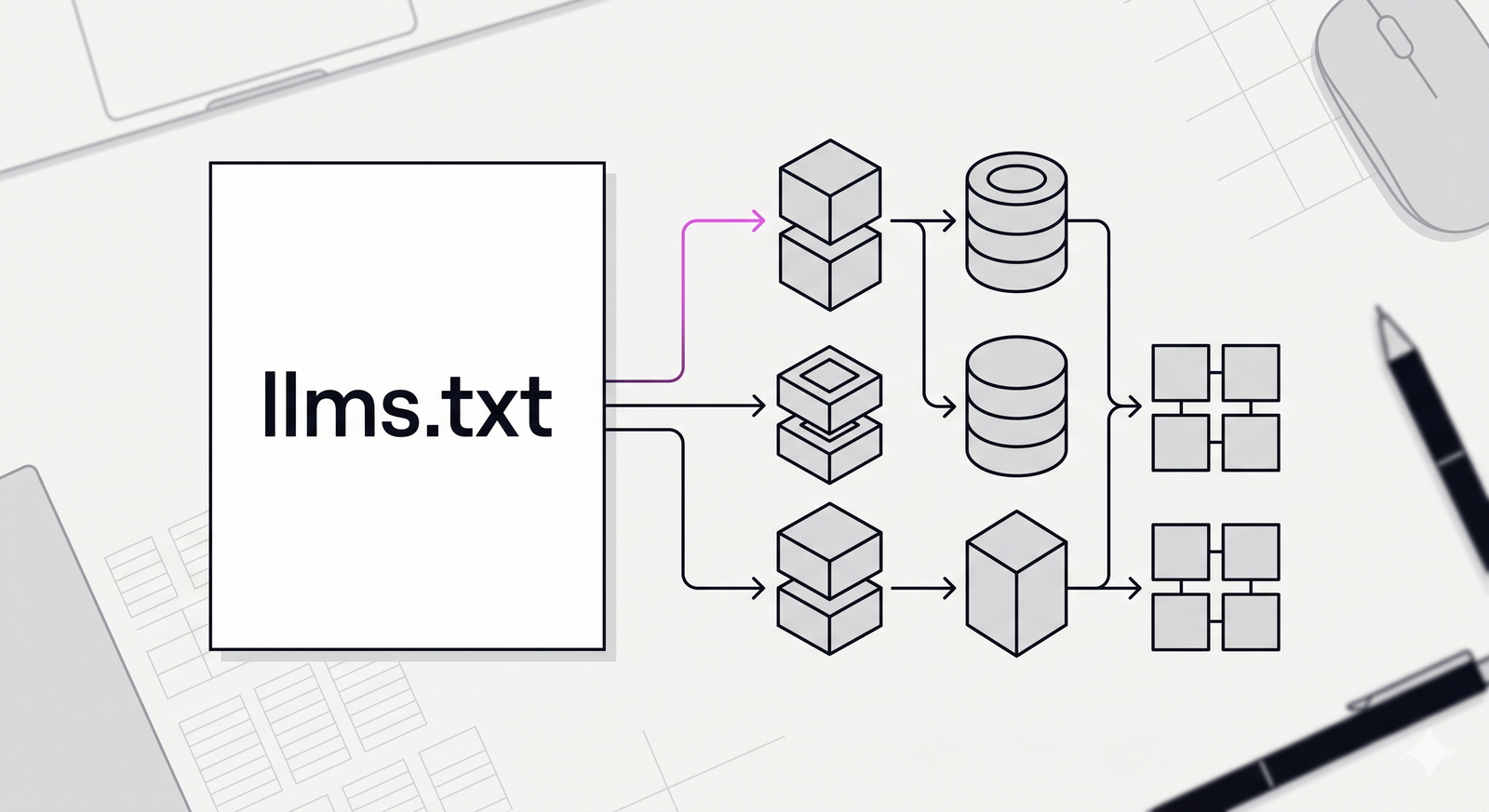
how AI bots actually read your online store’s product pages? Implementing the llms.txt protocol for complex e-commerce catalogs involves creating a centralized file at your domain root that points to clean, text-based Markdown summaries of your product data. Consequently, this allows AI agents and Large Language Models to read, index, and recommend your inventory directly without parsing messy HTML code.
Currently, generative engines like ChatGPT and Perplexity struggle to understand standard e-commerce websites. Specifically, product pages contain massive amounts of HTML tags, JavaScript tracking codes, and CSS styling. Furthermore, Gartner predicts that traditional search engine volume will drop 25% by 2026 due to AI chatbots. As a result, if your site relies only on heavy HTML, you waste an AI model’s token limits, and your products get ignored.
The purpose of this guide is to solve that problem practically. We will establish a clear method to present truthful, accurate product information directly to machines.
The Problem with Traditional HTML Scraping
When an AI crawler visits a standard product page, it sees noise. It downloads the navigation menu, the footer, the related product carousels, and thousands of lines of styling code. Therefore, finding the actual price and specification of a single item requires significant computational effort.
The llmstxt.org standard introduced a simple, structural solution. It functions similarly to a traditional robots.txt file. However, instead of just telling bots where they are allowed to go, it provides them with the exact data they need in a highly readable format. By offering concise Markdown, you ensure the AI reads the core facts of your product catalog without distraction.
Step 1: Audit and Isolate Catalog Data
First, you must separate your product data from your website’s presentation layer. Usually, this information lives in an SQL database or a Product Information Management system. You need to extract only the factual variables: product name, SKU, price, technical specifications, and current inventory status.
For example, if you sell industrial water pumps, you only need to extract the flow rate, horsepower, and voltage. You must leave behind the promotional banners and user reviews. If you are dealing with millions of rows of data, our data analytics team can help you map and clean your databases efficiently.
Step 2: Generate Clean Markdown Files
Next, you will convert this raw SQL or JSON data into individual .md files. Large Language Models process Markdown natively and highly efficiently. Therefore, you should write a script that generates a clean text file for every product or category.
For instance, a file named pump-model-x.md would list the specifications using standard Markdown hashes for headings and hyphens for bullet points. You can also include YAML frontmatter at the top of the file to declare the exact price and stock status. Our custom AI development services routinely build automated data pipelines that handle this exact conversion process every time your inventory updates.
Step 3: Structure the Index File
Then, you must create the actual llms.txt file at the root directory of your website. Inside this document, you write a brief, factual description of your business. Below that, you provide direct links to the Markdown files you generated in the previous step.
Additionally, the protocol suggests creating an optional llms-full.txt file. This file concatenates your most important catalog data into one continuous text document. Consequently, an AI agent can download your entire core catalog in a single network request.
Step 4: Automate the Update Pipeline
Finally, you cannot maintain this manually. An e-commerce catalog changes daily. Therefore, you must trigger your Markdown generation script whenever a price drops or an item goes out of stock. If your llms.txt data is outdated, AI engines will confidently provide users with the wrong price. This harms your brand trust. To avoid this, integrate the script directly into your CI/CD pipeline or inventory webhook system. Proper implementation of Natural Language Processing workflows ensures the text remains semantically structured for the bots.
Performance Comparison: HTML vs Markdown
To understand the tangible benefits of this system, examine how data formats impact processing efficiency. LLMs actively seek out clean tables and lists.
| Metric | Traditional HTML Page | llms.txt Markdown File | Impact on AI Search |
| Token Cost | ~4,000 tokens per page | ~150 tokens per product | 96% reduction in waste |
| Data Accuracy | Low (Lost in formatting) | High (Explicitly stated) | Fewer hallucinations |
| Crawl Speed | Slow (Renders DOM) | Instant (Text only) | Faster indexing |
| Bandwidth | High | Extremely Low | Lower server load |
Case Study: B2B Hardware Supplier
Consider a B2B hardware supplier managing 50,000 unique SKUs. Previously, their site relied on dynamic JavaScript rendering. Consequently, OpenAI’s GPTBot crawler timed out frequently, leading to their products being entirely absent from ChatGPT’s buying recommendations.
Instead of redesigning their entire website frontend, the engineering team deployed an automated script. This script queried their inventory database nightly and generated 500 category-level Markdown summaries. They linked these summaries in their root llms.txt file. As a result, AI query tools began accurately referencing their part numbers and technical tolerances within two weeks. The implementation required no changes to the user-facing website. It simply provided an alternative, honest data route for machines.
Actionable Next Steps
To begin optimizing your e-commerce platform for AI search today, follow these immediate actions:
- Check your root directory: Verify if you currently have an
/llms.txtfile. If not, create a blank text file at that location to begin testing. - Export a sample category: Choose one small, high-margin product category. Export the core data and manually format it into a clean Markdown file.
- Map the pipeline: Consult your backend developers to determine how easily your current database can automatically export to text format upon inventory changes.
This protocol will not artificially inflate your sales. However, it establishes the necessary technical foundation for your products to be seen in the AI era. If you need expert guidance on architecture or implementation, our AI consulting and strategy agency can build the automated pipelines your catalog requires. Reach out to us at https://tensour.com/contact.
Leave a Reply