
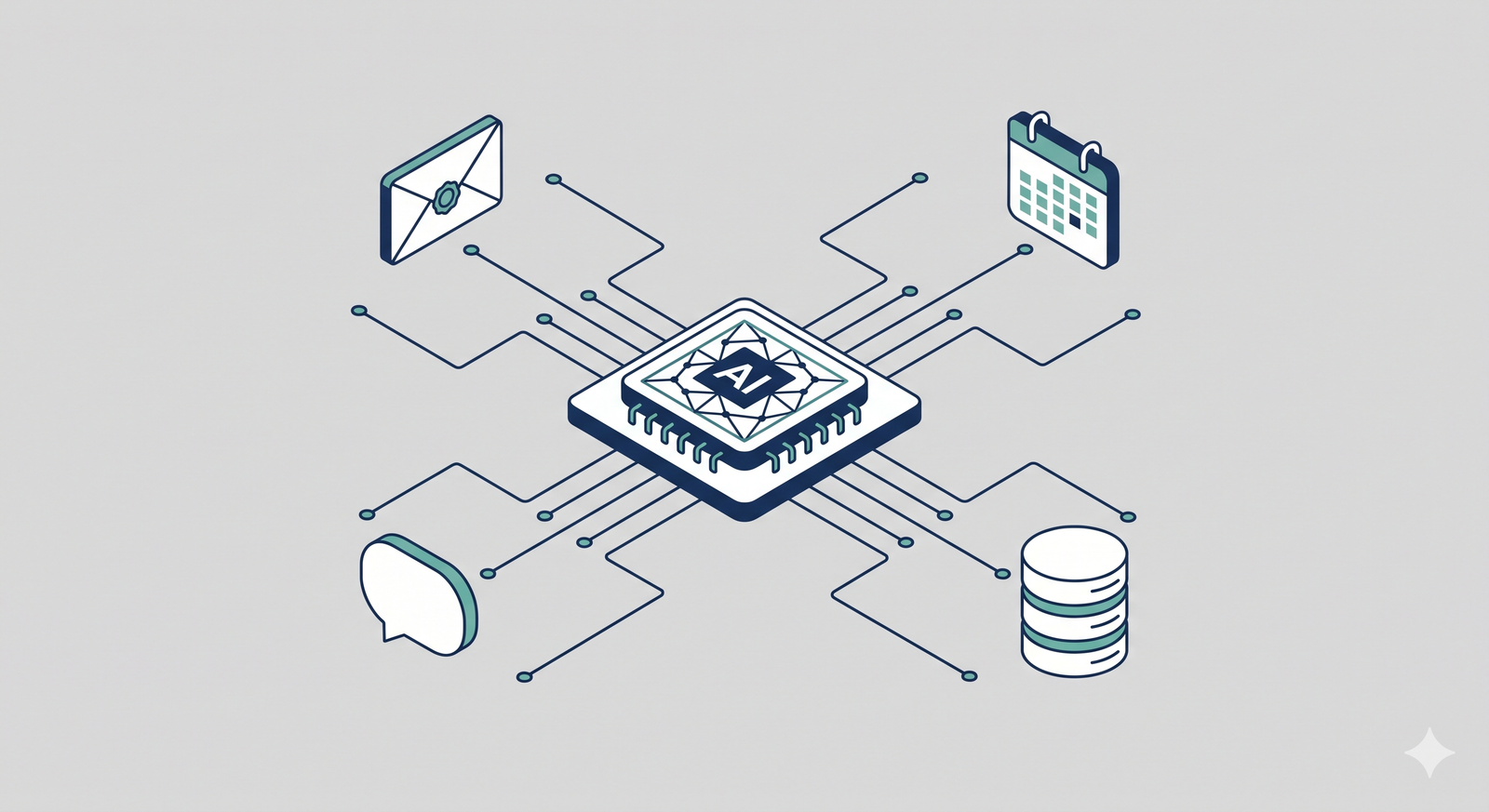
The AI Chief of Staff Defined
An AI Chief of Staff is a sophisticated, multi-agent software system designed to autonomously manage executive workflows, triage communications, and synthesize data for decision-making. Setting one up requires connecting a Large Language Model (LLM) to your enterprise tools via a framework like LangGraph or CrewAI, implementing a Retrieval-Augmented Generation (RAG) pipeline for context, and enforcing strict human-in-the-loop safeguards. It is not a generalized chatbot, but a deterministic, stateful application integrated directly into your company’s infrastructure.
The Executive Time Crisis and the Need for Automation
To understand why building an AI Chief of Staff is a technical priority, you have to look at the data on how executive time is currently spent. A landmark tracking study published by the Harvard Business Review found that the average CEO spends 72% of their total work time in meetings, averaging 37 meetings per week.
Furthermore, data from the Flowtrace State of Meetings Report reveals that the average employee spends 392 hours per year in meetings, which equates to nearly ten full workweeks. When executives are trapped in synchronous communication, they have limited time for asynchronous strategic thinking.
An AI Chief of Staff mitigates this bottleneck. Recent research from MIT Economics indicates that workers utilizing properly configured AI tools spend 25% less time on email management and administrative tasks. By delegating calendar triaging, meeting summarization, and data retrieval to an AI agent, executive teams reclaim hours of high-leverage focus time.
Core Capabilities of a Production-Grade Executive Agent
When you build an AI Chief of Staff, you are actually building a specialized team of micro-agents. You should not rely on a single prompt or a single LLM to handle everything. Instead, you design specialized capabilities.
The communication triage agent monitors Outlook or Gmail via secure API connections. It reads incoming threads, scores them for urgency based on executive preferences, and drafts proposed replies for review.
The meeting synthesis agent connects to transcription tools like Fireflies or Otter.ai. Following a meeting, it extracts the transcript, identifies action items specifically assigned to the executive, and pushes those tasks into a project management tool like Jira or Asana.
The strategic briefing agent utilizes a RAG pipeline connected to internal company documents. Before a quarterly review, the executive can ask the agent to pull the latest sales metrics, summarize the regional blockers, and format the data into a structured briefing document.
Choosing the Right Agent Framework: CrewAI vs LangGraph
The most critical architectural decision you will make is selecting the framework to orchestrate your AI agents. In 2025 and 2026, the two dominant enterprise solutions are CrewAI and LangGraph.
CrewAI is built around role-playing. You define agents with specific personas, such as a “Senior Data Analyst” and a “Communications Manager,” and the framework handles how they pass information sequentially. It is excellent for rapid prototyping and linear tasks.
LangGraph, built by the creators of LangChain, treats agents as nodes in a directed cyclic graph. It focuses on state management. LangGraph allows for complex loops, conditional routing, and time-travel debugging. If an agent fails to retrieve data, LangGraph can securely route the process to an error handler or a human, making it the superior choice for strict enterprise environments.
Framework Comparison Table
| Feature | CrewAI | LangGraph |
| Core Architecture | Role-based sequential agents | Graph-based state machines |
| Learning Curve | Low (Intuitive human-like setup) | High (Requires graph theory logic) |
| Best Use Case | Rapid prototyping, simple workflows | Complex enterprise systems, strict compliance |
| Error Handling | Basic, framework-dependent | Explicit, node-based routing |
| Human-in-the-Loop | Limited | Native and robust via Checkpointers |
| State Management | Passed between agents | Centralized state database |
Step 1: Define the Blueprint and Tool Integrations
Do not start writing code until you have mapped the executive’s workflow. Identify the top three administrative bottlenecks. For most executives, this is email triage, calendar conflict resolution, and meeting preparation.
Once identified, register the necessary API keys. You will need secure access to Microsoft Graph API for Outlook/Teams or Google Workspace APIs. Provision a dedicated service account for the AI agent with the principle of least privilege. The agent should only have read/write access to the specific folders and calendars it is actively managing.
Step 2: Implement the Multi-Agent Architecture
For a production environment handling sensitive executive data, instantiate a LangGraph workflow. Define your “State”—the single source of truth that will track the agent’s progress.
Create specific nodes for each task. Write a Python function for a “Drafting Node” that uses an LLM to write an email, and a “Review Node” that checks the draft against company tone guidelines. Connect these nodes using conditional edges. If the confidence score of the drafted email is below a certain threshold, the graph should route the output to a “Human Intervention” node rather than sending it.
Step 3: Establish the RAG Pipeline for Organizational Context
An AI Chief of Staff is useless if it does not know the company’s internal data. You must build a Retrieval-Augmented Generation pipeline.
Use a secure vector database, such as Pinecone or a PostgreSQL instance with the pgvector extension. Ingest the executive’s past emails, company strategy memos, and standard operating procedures. When the agent is tasked with writing a project update, it should first query the vector database to retrieve historical context, ensuring its output aligns with previous executive decisions.
Step 4: Enforce Human-in-the-Loop Safeguards
Never allow an AI agent to send emails or alter calendars autonomously on day one. Implement a Human-in-the-Loop (HITL) architecture.
Using LangGraph’s checkpointer mechanism, you can pause the graph’s execution right before a destructive action—like deleting an email or sending a calendar invite. The system state is saved to a database, and a notification is sent to the executive or a human assistant via Slack. The human clicks “Approve” or “Reject,” and the agent resumes execution based on that feedback. Over time, as trust is built, you can lower the threshold for human intervention.
Case Study: Reclaiming VP Productivity with LangGraph
A mid-sized logistics company recently implemented an AI Chief of Staff for their VP of Operations. The VP was spending roughly 15 hours a week triaging vendor emails and synthesizing daily supply chain reports.
The engineering team built a LangGraph-based agent connected to the company’s Microsoft 365 environment and a secure internal database. The graph was designed to read incoming vendor updates at 6:00 AM, query the database for current inventory levels, and draft a consolidated briefing document by 7:30 AM. It also pre-drafted replies to vendors reporting delays, pausing execution until the VP approved the drafts over their morning coffee.
By shifting from synchronous email reading to asynchronous approval, the VP reclaimed 25% of their administrative time, mirroring the productivity gains reported by the MIT Economics field studies. The deterministic nature of LangGraph ensured that no vendor received an unapproved communication.
3 Actionable Steps to Start Building Your AI Chief of Staff
- Audit executive workflows today. Ask your executive team to log their administrative tasks for three days. Identify the most repetitive, data-heavy process that does not require deep emotional intelligence. This is your first agent use case.
- Build a local prototype using CrewAI. Before investing in cloud infrastructure, use CrewAI on a local machine to simulate how multiple agents can pass a task back and forth. This will help you understand the limitations of prompt-based reasoning.
- Establish an API sandbox. Create a dummy Google Workspace or Microsoft 365 account. Practice connecting your LLM to these APIs and reading/writing emails in a safe environment where hallucinations cannot impact real business operations.
Need Custom AI Development for Your Enterprise?
Building an AI Chief of Staff that is secure, compliant, and actually useful requires advanced orchestration and data engineering. If you need custom help implementing enterprise-grade agents, setting up LangGraph architectures, or building secure RAG pipelines, our AI & Data Science agency can assist. Reach out to us at https://tensour.com/contact to discuss your specific infrastructure needs.
Leave a Reply